
Learn DaVinci Resolve from a Pro!

Cutting Club
Hi-Resolution practice footage to follow YouTube Tutorials.
Timeline Clip Selection, Swap Clips, Go To Mouse Pointer, Tilde Key, Insert Gap,Open in Timeline,Direct Trim Selection
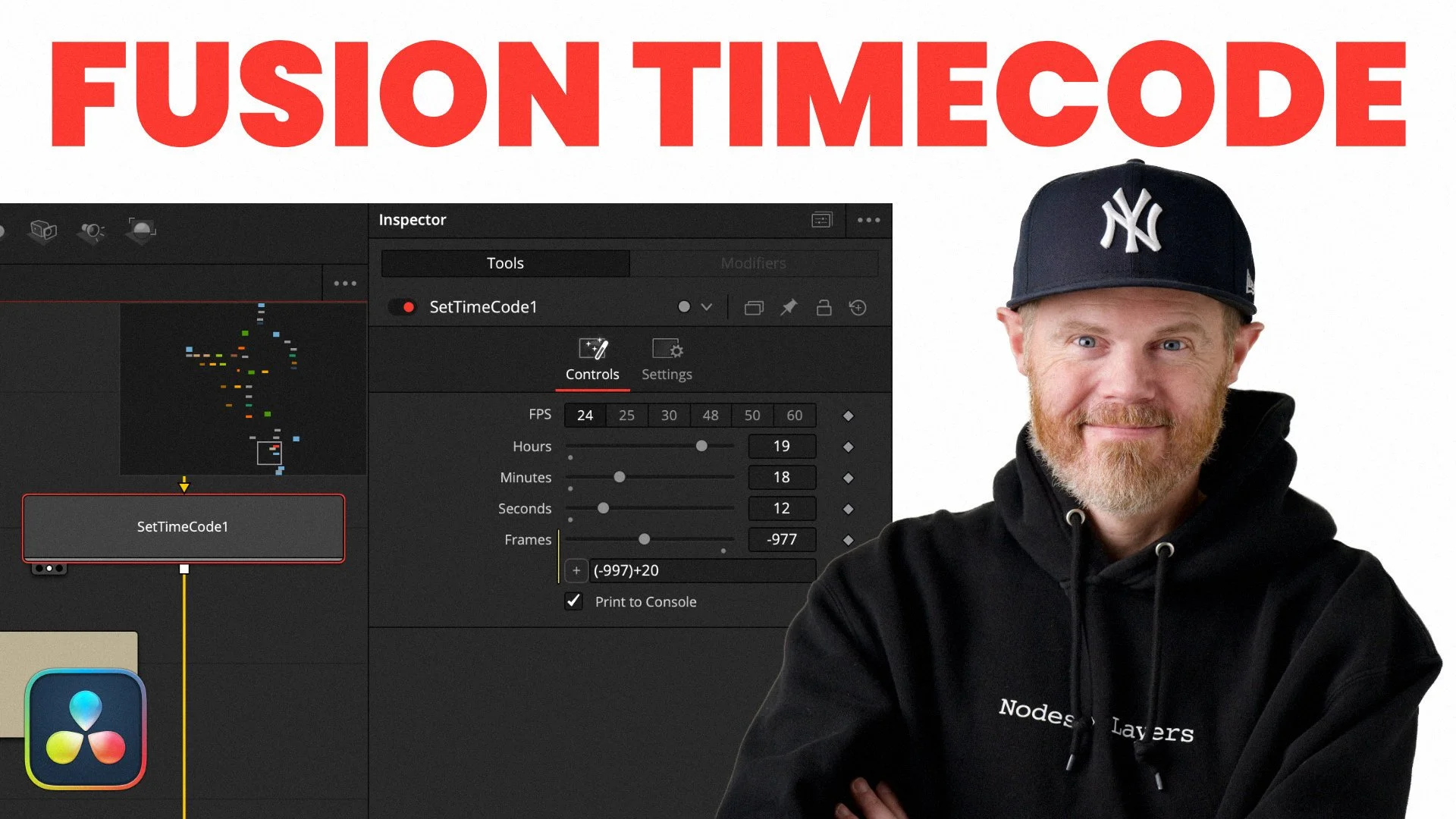
Learn how to inject the source clip timecode into the Fusion page of DaVinci Resolve 21 to retain the original metadata when using the Saver node.
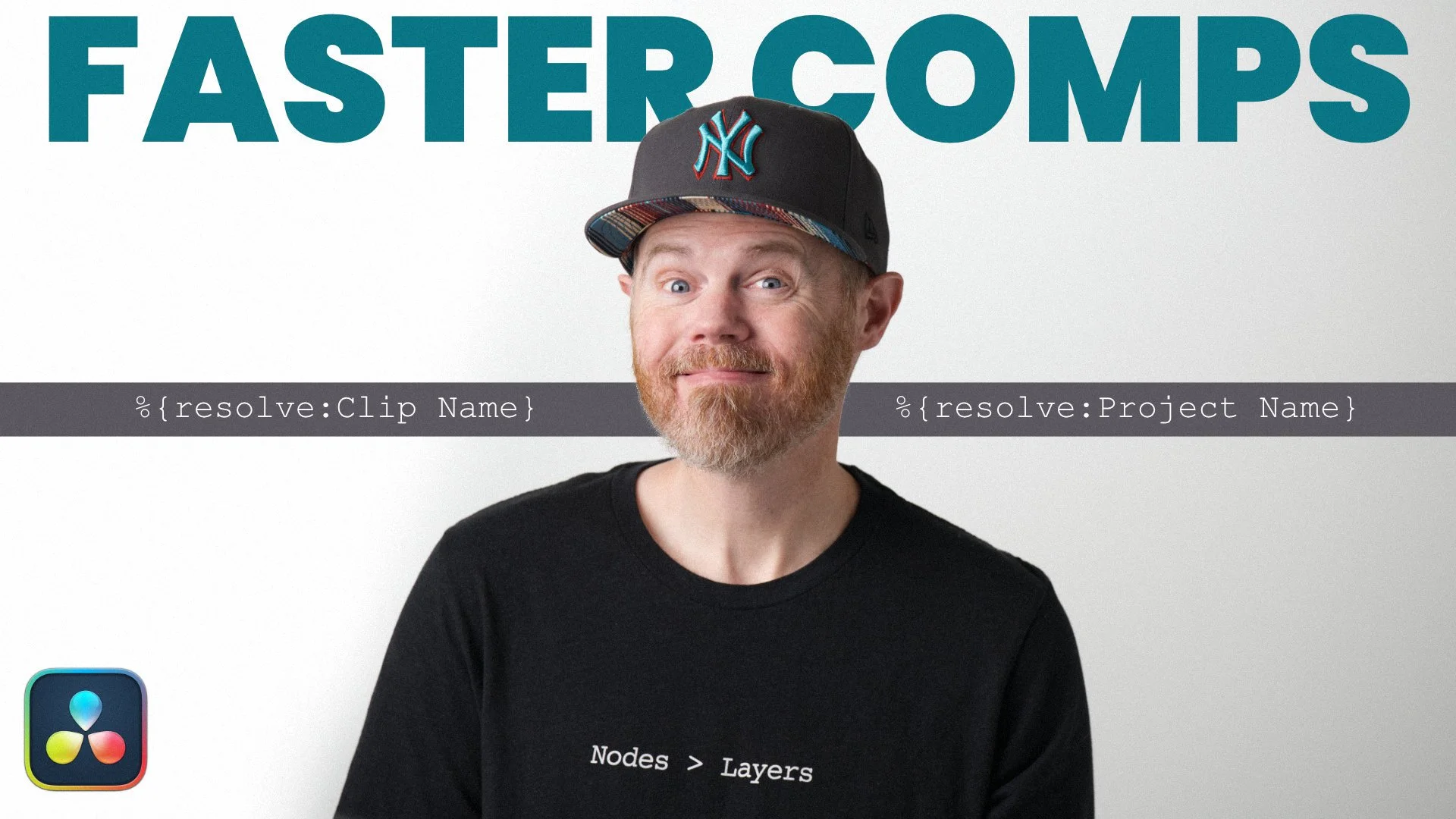
Learn how to easily render any part of a complex Fusion Page comp by setting up a default saver path that relies on project metadata to never think about render locations and names again.
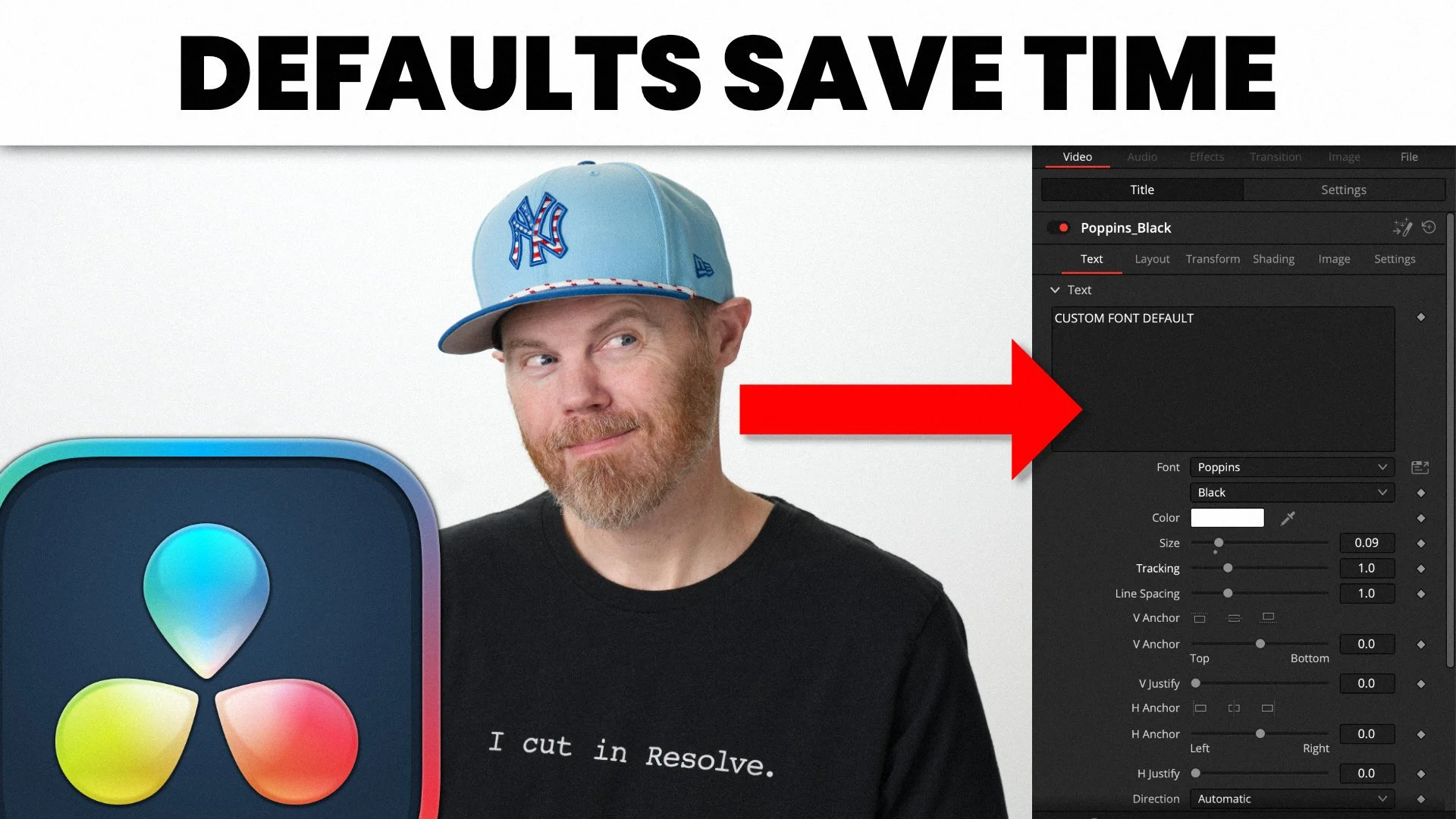
Learn how to save default fonts in titles for re-use & fast editing using the Shift-Spacebar editing technique.
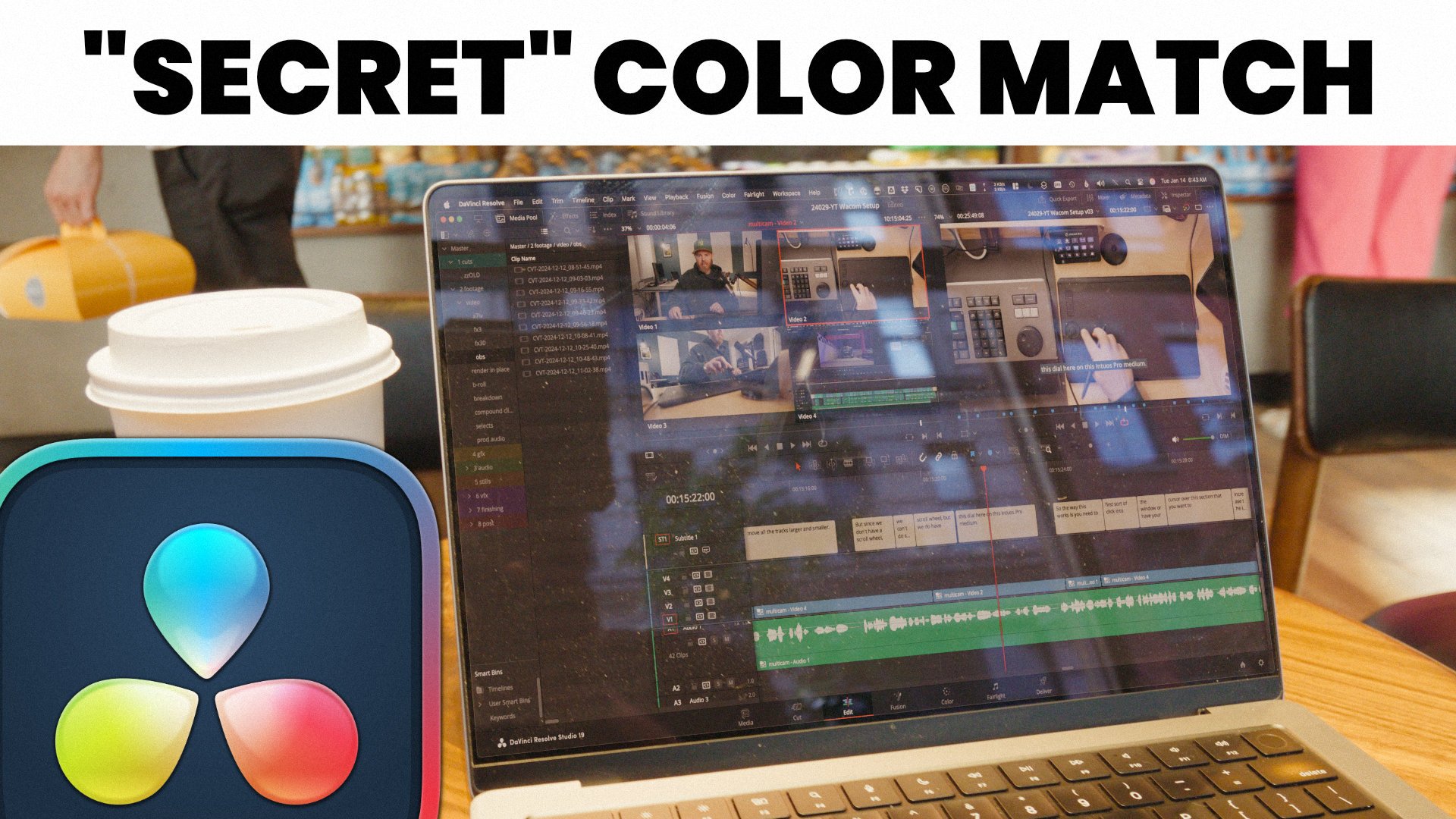
Learn how to use channel booleans to divide and multiply the color (or white) balance to match all the elements in your composite using the Fusion Page of DaVinci Resolve.
Hi-Resolution practice footage to follow YouTube Tutorials.
DaVinci Resolve 21.1 is a major update. Learn what's new like the quality of life upgrades as well as the brand new Agentic external AI support with the native MCP server.