0
Skip to Content
Creative Video Tips
Home
Tutorials
1-On-1
Merch
Blog
Coffee
Gear
Contact
Login Account
Creative Video Tips
Home
Tutorials
1-On-1
Merch
Blog
Coffee
Gear
Contact
Login Account
Home
Tutorials
1-On-1
Merch
Blog
Coffee
Gear
Contact
Login Account
Saver Variables for Fusion Renders
VFX, Fusion, DaVinci Resolve 21, Render Settings Chadwick Shoults 8/11/26 VFX, Fusion, DaVinci Resolve 21, Render Settings Chadwick Shoults 8/11/26

Saver Variables for Fusion Renders

Learn how to easily render any part of a complex Fusion Page comp by setting up a default saver path that relies on project metadata to never think about render locations and names again.
Read More
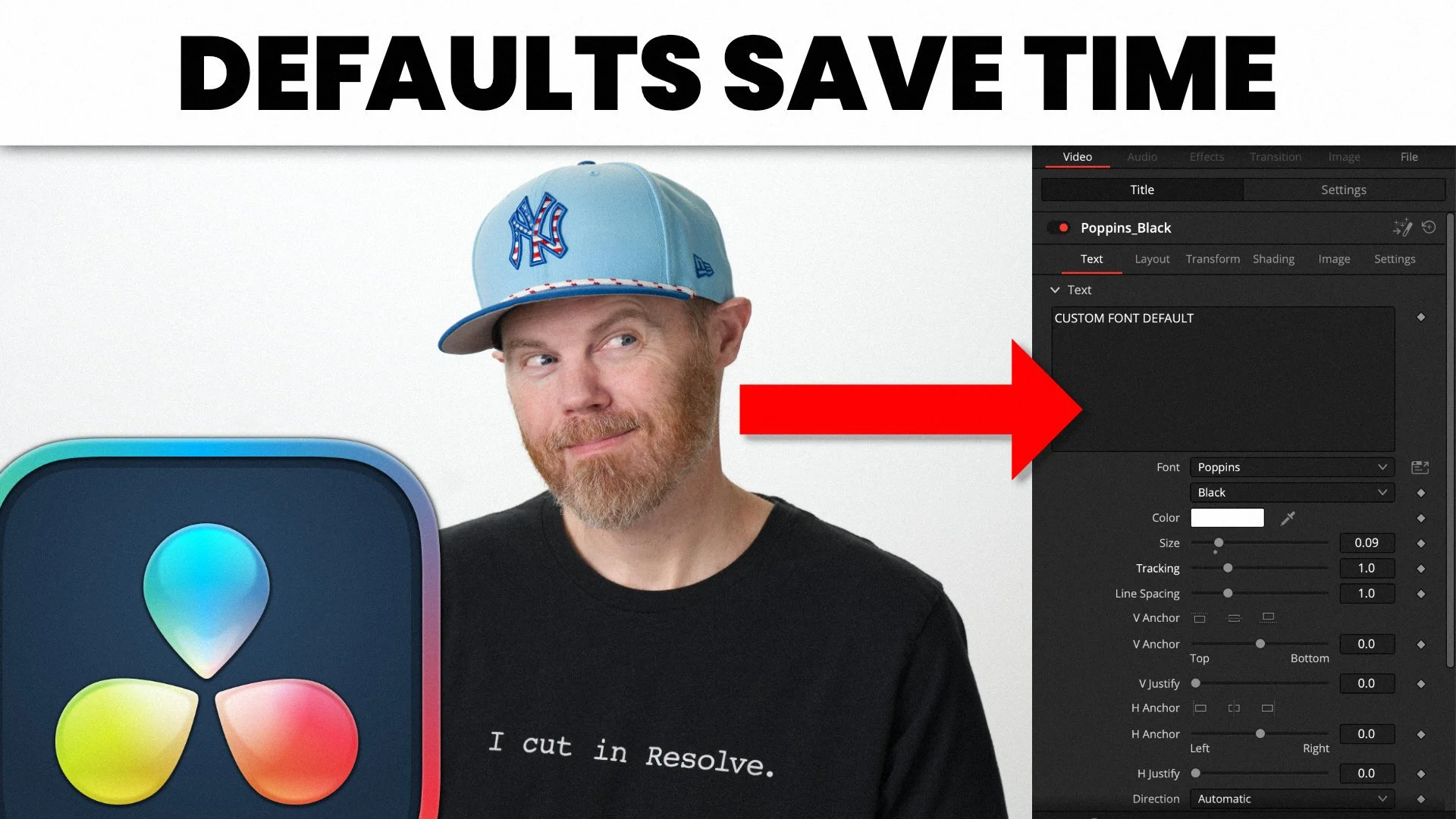
Save DaVinci Resolve Title Font Defaults
DaVinci Resolve Templates Chadwick Shoults 8/4/26 DaVinci Resolve Templates Chadwick Shoults 8/4/26

Save DaVinci Resolve Title Font Defaults

Learn how to save default fonts in titles for re-use & fast editing using the Shift-Spacebar editing technique.
Read More
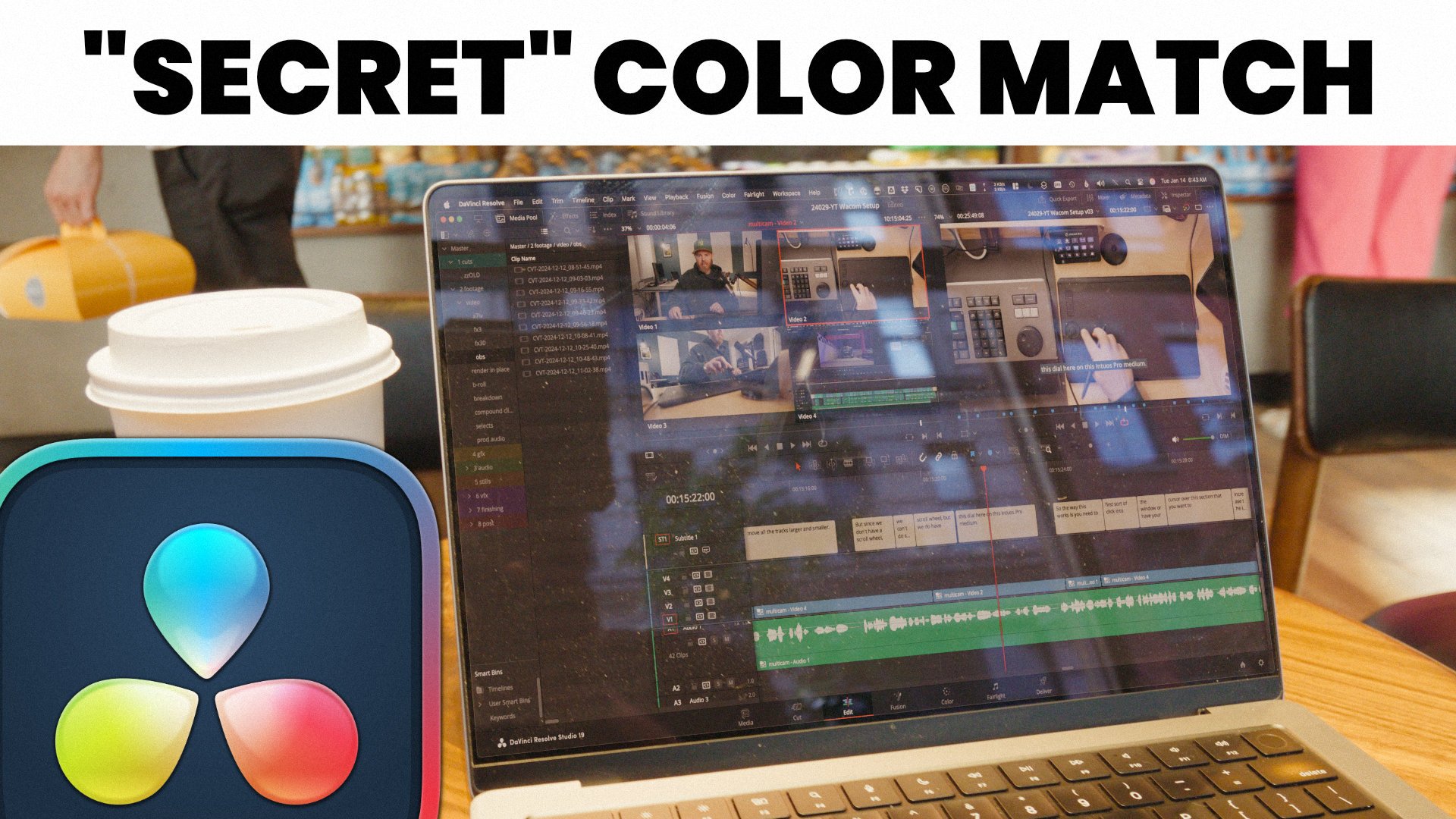
Matching Color Balance
DaVinci Resolve Fusion, VFX Chadwick Shoults 7/31/26 DaVinci Resolve Fusion, VFX Chadwick Shoults 7/31/26

Matching Color Balance

Learn how to use channel booleans to divide and multiply the color (or white) balance to match all the elements in your composite using the Fusion Page of DaVinci Resolve.
Read More
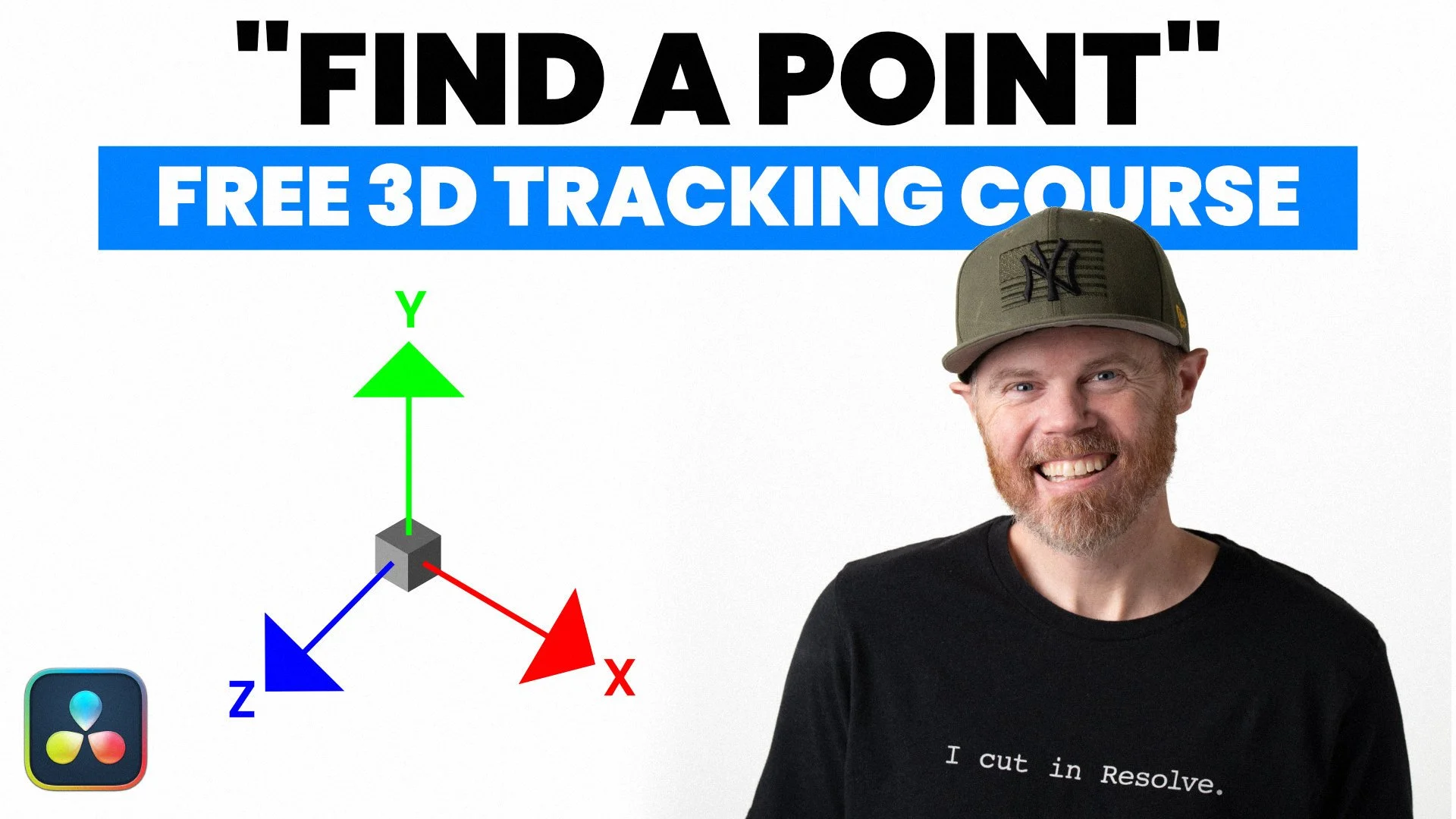
Fusion Find-a-Point Course
VFX, Camera Tracking Chadwick Shoults 7/28/26 VFX, Camera Tracking Chadwick Shoults 7/28/26

Fusion Find-a-Point Course

Learn how to use the locator 3d, the fusion camera tracker, and the point cloud to perform an advanced screen replacement in DaVinci Resolve 21!
Read More
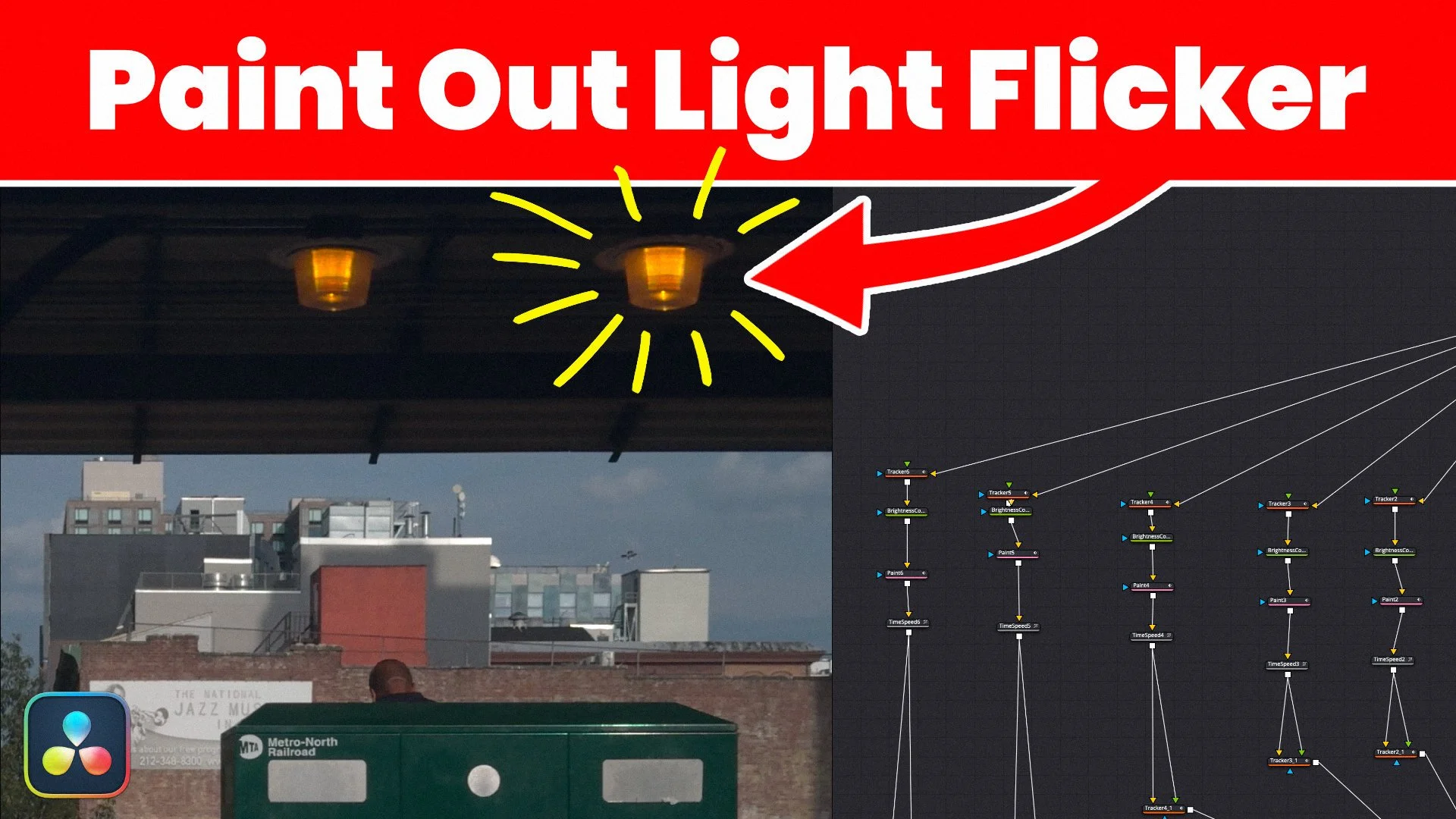
Remove Light Flicker with Fusion VFX
DaVinci Resolve 21, VFX, Paint, Tracking, Point Tracking Chadwick Shoults 7/21/26 DaVinci Resolve 21, VFX, Paint, Tracking, Point Tracking Chadwick Shoults 7/21/26

Remove Light Flicker with Fusion VFX

How to use the clone multistroke paint tool in DaVinci Resolve Fusion to remove flickering lights from slow motion footage.

Read More
Fusion Transparency Control
Blackmagic Design Fusion 21, Masking Chadwick Shoults 7/14/26 Blackmagic Design Fusion 21, Masking Chadwick Shoults 7/14/26

Fusion Transparency Control

The brightness contrast node on the Fusion page of DaVinci Resolve is one of the fastest nodes and is great to control the opacity of any downstream node. Use it to fade out, stencil, or apply a roto shape.

Read More
DaVinci Resolve Media Management for Finishing
DaVinci Resolve Cloud, Blackmagic Cloud, DaVinci Resolve 21 Chadwick Shoults 6/30/26 DaVinci Resolve Cloud, Blackmagic Cloud, DaVinci Resolve 21 Chadwick Shoults 6/30/26

DaVinci Resolve Media Management for Finishing

Learn how to reduce your video storage needs with this consolidation workflow using the Resolve Media Management tools and Blackmagic Cloud Storage to easily work with anyone, anywhere in the world.

Read More
Free 5 Part Inpainting Course for Fusion
DaVinci Resolve 21, Fusion Course Chadwick Shoults 6/12/26 DaVinci Resolve 21, Fusion Course Chadwick Shoults 6/12/26

Free 5 Part Inpainting Course for Fusion

Learn professional techniques to remove objects and paint them out using inpainting in with a procedural method in the Fusion page of DaVinci Resolve Fusion 21.

Read More
Older Posts

Contact About